
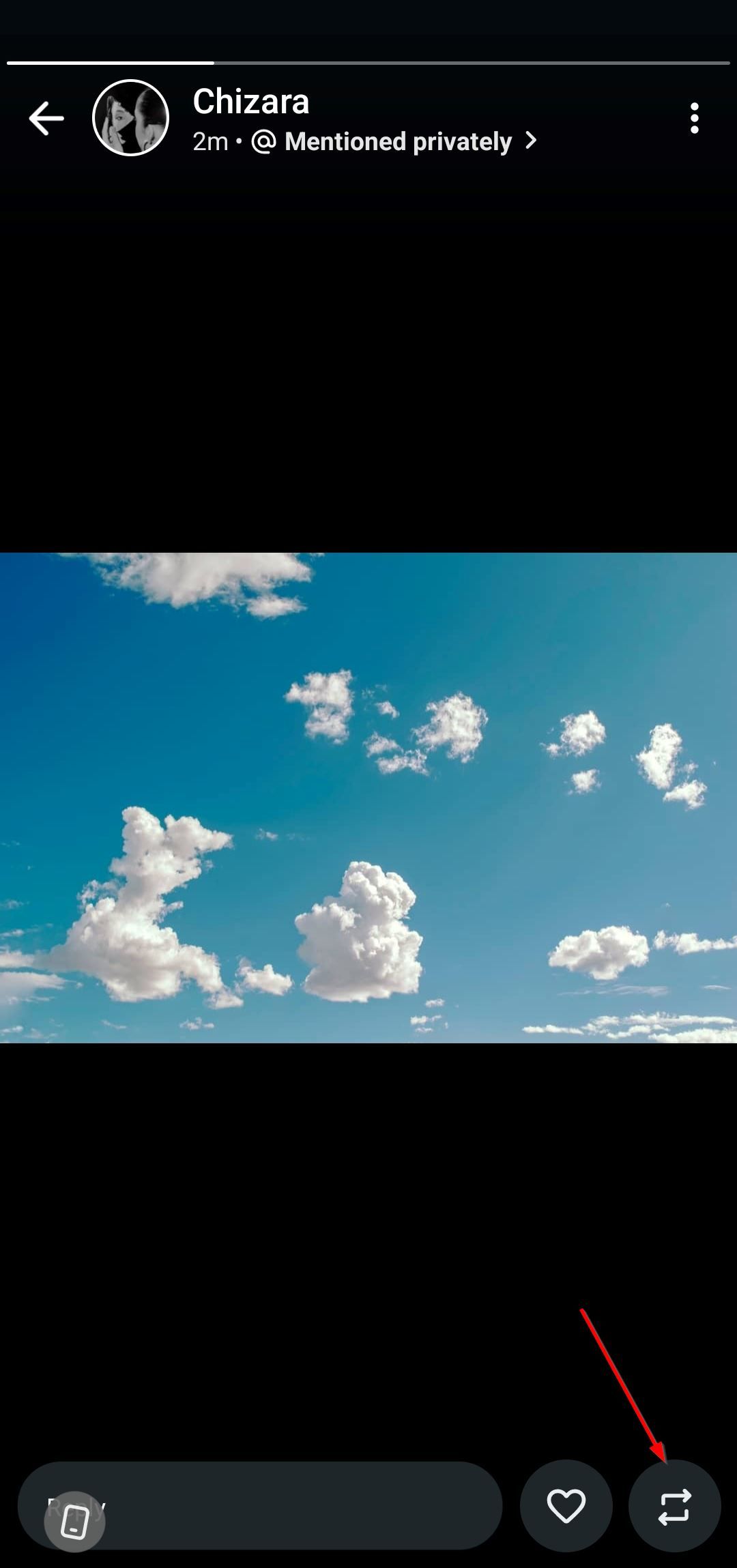
How Do I Reshare a Post on Social Media: A Comprehensive Guide
In today’s digital age, social media plays a crucial role in how we communicate and share content. Resharing posts is an integral part of engaging with your audience and amplifying messages that resonate with you. Whether you’re a seasoned user or new to social media, learning to reshare effectively can enhance your online presence. This article focuses on the different platforms and demonstrates how you can reshare posts seamlessly. For specific instructions on Instagram, you might find it helpful to check this how do i reshare a post on instagram guide.
Understanding Resharing
Resharing, also known as reposting or sharing, allows users to spread content created by others on their own profiles. It’s a way to endorse, highlight, or connect with the original creator. Each platform has its unique method for resharing posts, which we’ll discuss in detail.
Resharing on Instagram
Instagram is one of the leading platforms where resharing takes place frequently. While the app does not have a direct “reshare” button for feed posts, there are workarounds:
- Using the Instagram Story Feature: You can add a post to your story by tapping the paper airplane icon beneath the post. From there, choose “Add post to your story” to share it with your followers.
- Third-party Apps: Apps like Repost for Instagram provide ways to download and repost the content while giving credit to the original poster.
- Screenshot Method: Another alternative is to take a screenshot of the post and share it, making sure to tag the original creator.
Resharing on Facebook
Facebook makes resharing quite straightforward. To reshare a post, simply click the “Share” button found at the bottom of the post. You can choose to share it on your timeline, in a group, or on a friend’s timeline. Additionally, you can add your commentary to the shared post, adding your personal touch.
Resharing on Twitter
On Twitter, resharing is known as “retweeting.” You can retweet a post by clicking the retweet icon (two arrows forming a square). You also have the option to add your comment before sharing it. Retweeting helps in spreading information quickly, as Twitter is known for its real-time updates.
Resharing on TikTok
For TikTok users, resharing is done through the “Share” button. You can share a TikTok video to your feed, stories, or directly with other users via the app. Make sure to tag the original creator to give them proper credit and acknowledgment.
Best Practices for Resharing
When resharing content, consider the following best practices to ensure you respect the original creator and promote engagement:
- Give Credit: Always credit the original poster, whether through tagging or mentioning them in your caption.
- Choose Relevant Content: Ensure the post you are resharing aligns with your brand or personal image to maintain consistency for your audience.
- Add Value: Include your perspective or comments to give your audience a reason to engage with your reshared content.
- Check Permissions: For professional or branded posts, it’s a good practice to seek permission before resharing.
Common Mistakes to Avoid
Avoid these mistakes when resharing to maintain your credibility and avoid potential backlash:
- Failing to Credit: Neglecting to mention the original creator can lead to disputes and a loss of respect among your followers.
- Resharing Unverified News: Especially in cases of news and significant events, make sure the content is credible to avoid sharing misinformation.
- Ignoring Engagement: Don’t forget to engage with comments and reactions to your reshared posts. It’s crucial for building community.
Conclusion
Resharing is a powerful tool on social media that allows you to connect with your audience while promoting relevant content. By understanding how to reshare effectively across different platforms and following best practices, you can enhance your online presence and create a more engaged community. Whether you’re resharing stunning visuals on Instagram or crucial updates on Twitter, remember that your approach can influence your followers’ perception of both you and the original creators.
As social media continues to evolve, staying updated on the latest resharing techniques will benefit you greatly, so keep practicing and refining your approach. Happy sharing!